


Artificial Intelligence App for iPhone: How to Choose
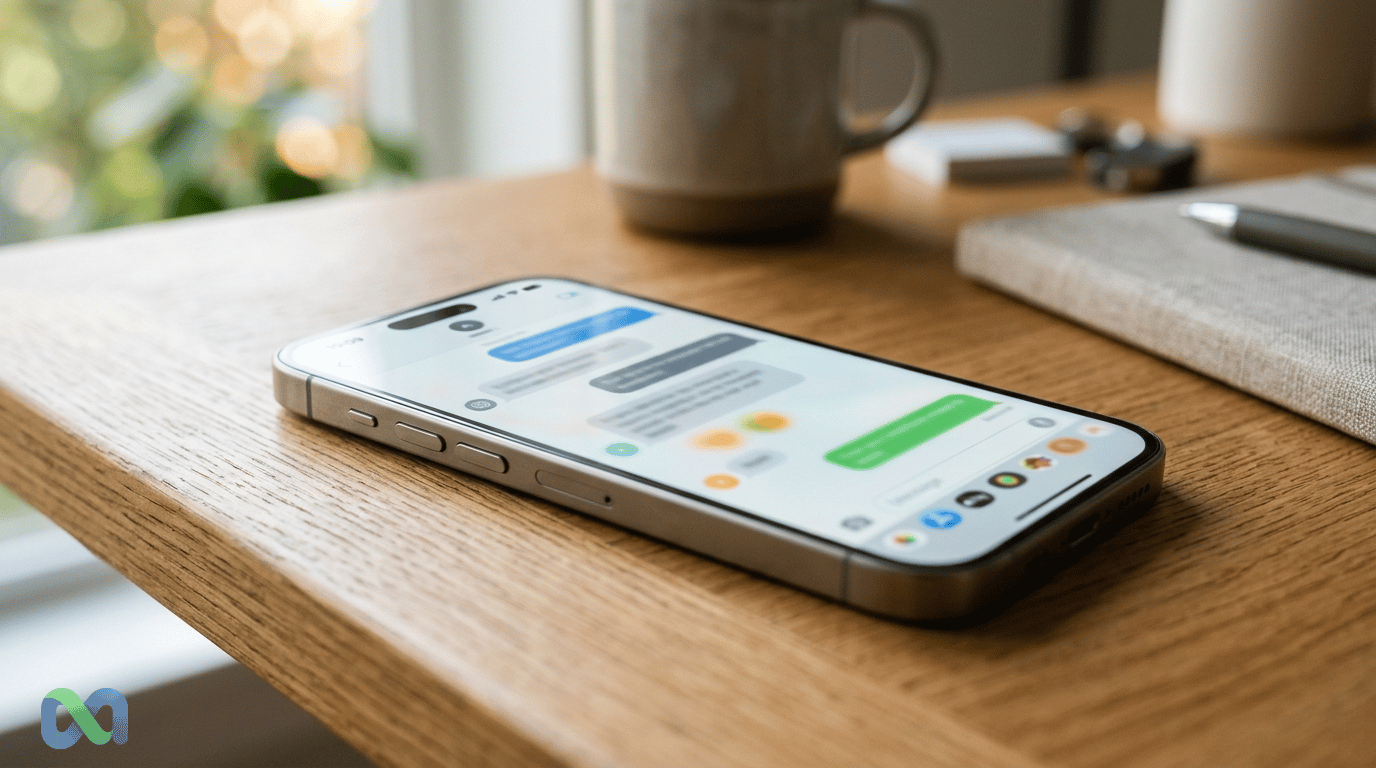
The best artificial intelligence app for iPhone depends on the task: writing, discussing a document, researching with links or using features built into the phone. Start by separating Apple Intelligence from a downloaded assistant such as ChatGPT, Claude, Gemini or Perplexity.
Apple Intelligence is a system feature for eligible hardware and software. A third-party app has its own installation, account, regional and subscription requirements. An iPhone can meet an app's requirements without qualifying for every Apple Intelligence feature.
This comparison was checked on November 9, 2026. It uses Apple's documentation, provider help and official App Store listings. It is a documentation-based comparison; it does not claim that we performed a hands-on speed or accuracy benchmark.
Which iPhone AI option should you try first?
Choose one repeated task and compare the result before paying for a plan. The options below solve overlapping problems, but differ in how they fit into a phone workflow.
| Option | A useful task to evaluate | Where to check the current conditions |
|---|---|---|
| Apple Intelligence | Supported writing and system-level features | Apple's exact device, software, language and region requirements |
| ChatGPT | Drafting, discussing supplied material and conversational assistance | The official OpenAI App Store listing and the selected account plan |
| Claude | Working through text, documents and longer writing tasks | The official Anthropic App Store listing and plan limits |
| Gemini | Multimodal conversation and supported Google-account workflows | Google's iPhone help and account eligibility requirements |
| Perplexity | Researching a question with source links | The official listing, plan features and the underlying linked sources |
A feature being advertised does not guarantee that it is available for every account, country or request. Evaluate the version and conditions you can actually use. A source link is also a starting point for verification, rather than a guarantee that a generated answer represents the source correctly.
Apple Intelligence: check the exact iPhone and software
Apple's current requirements page describes the iOS 27 generation of Apple Intelligence. Its supported-device examples include iPhone 15 Pro, iPhone 15 Pro Max and iPhone 16 models or later, alongside other specifically listed supported models. Check the complete current list for your exact device.
Hardware is only one condition. Software version, available storage, language and region also affect access. A feature described for the latest release should not be promised to someone running an older system without checking its requirements.
Apple's iPhone introduction to Apple Intelligence explains the system features. If your goal is to use those features, begin with device compatibility. If your goal is a separate assistant app, inspect that app's own listing instead.
Download the official app
For ChatGPT, use the App Store listing published by OpenAI. For Claude, use the listing published by Anthropic. For Perplexity, use its official App Store listing.
The US listings checked for those three apps specified iOS 18.0 or later and showed free download with in-app purchases. Those are dated listing conditions, not a promise that every model, feature or usage allowance is included for free. Your storefront and the current app release should be checked before installation.
Confirm the developer or seller rather than relying only on a familiar icon or app name. Similar names can refer to unrelated products. Review the permissions and the subscription screen before accepting a recurring payment.
Gemini on iPhone: account and feature conditions
Google's iPhone and iPad help describes using the Gemini app with an eligible Google account. It supports interactions using text, voice, images and the camera, subject to the available features.
Google also explains that availability can differ by device, language, location and account. Work or school users may need a plan or license that includes the relevant access. A feature available to a personal account should not automatically be promised to a managed account.
Check which connected-app features you actually need. An integration matters when it removes a step from your work; it adds little value if you will not use that service or cannot access it with your account.
Free download, free use and a paid plan
A free installation is different from an unlimited service. Providers can put limits on usage, file handling, advanced tools or access to particular features. Subscriptions can also renew automatically after an initial offer.
Before paying, record what is included, the billing interval and the cancellation route. Check the total shown in your own region and currency. This article does not present a single monthly price as universally available across storefronts and plans.
Use a recurring task to judge value. A plan can be useful if it reliably saves work on that task. A larger advertised feature list is less relevant when the functions you need are unavailable, unreliable or included in a free alternative you already use.
A practical comparison you can run yourself
Give two apps the same short document that you are allowed to share. Ask each to summarize three key points, identify one ambiguity and quote the location supporting a factual statement. Then compare the answers against the document.
For a research task, ask for the source, publication date and the relevant passage. Open the linked source and check whether it supports the claim. Record whether the tool distinguishes a current fact from an older example.
This is a suggested evaluation method, not a report of tests we performed. Keep the input and task consistent when comparing results. A single polished answer can hide a wrong date or missing qualification, so inspect the factual details before deciding which app fits your work.
Privacy, permissions and sensitive material
Check the provider's current data controls and privacy information before uploading confidential documents or personal information. An account setting, enterprise arrangement and consumer app can have different conditions.
Grant access to the microphone, camera, photos or connected services only when it serves the task you chose. Review those permissions in iPhone Settings if your usage changes. A voice feature can be convenient while also requiring you to understand when the app is listening.
For organizational material, follow the rules of the organization that owns it. A summary being useful does not establish that the underlying document was appropriate to upload to a consumer service.
Using AI for news and market research
An assistant can organize a reading list or summarize a document. It can also confuse an old election forecast with a completed result, misread a fee page or invent a source. Our dated guide to the 2026 US midterm results illustrates why the date and status of a claim matter. Confirm current facts in primary documents before using them in a decision.
A generated confidence statement is not automatically a tradeable probability. Our implied probability guide explains what a market price represents; the market mechanics glossary covers execution and liquidity.
Start with one task and one official app. Check compatibility, evaluate the output and understand the cost and data conditions. That process gives you a more useful choice than assuming one iPhone AI app is best for every person and every job.